
MED do Pix: how to track a dispute through the app?
O MED from Pix It is the official mechanism created by the Central Bank to help victims of fraud, scams, or operational failures to recover their money.
Knowing how to track a dispute directly through your bank's app ensures faster evidence gathering and increases the chances of recovering transferred funds.
In this comprehensive article, you will understand exactly how to activate this protection, what the official deadlines are, how to monitor the process status in the app, and what to do at each stage.
Table of Contents
- What is the Special Return Mechanism (SRM) and when should you use it?
- Step-by-step instructions for opening and monitoring the MED from Pix through the app
- Dispute status: what each notification in the app means
- Comparative table: Wrong Pix transaction x Pix scam x System failure
- Main reasons for denial and how to appeal the decision.
- Frequently Asked Questions (FAQ) about precautionary blocking tracking
What is Pix's MED and when can it be activated?
The Special Refund Mechanism represents the unique security tool of the Brazilian instant payment ecosystem to mitigate financial losses caused by cybercrimes.
It was specifically designed for situations where there is well-founded suspicion of fraud, social engineering, scams perpetrated by third parties, or proven system failure at participating institutions.
It is crucial to highlight that the MED from Pix This does not cover user errors such as typing incorrect keys or commercial disagreements related to purchases not delivered by legitimate stores.
In cases of commercial dissatisfaction or typographical errors due to carelessness, returns depend exclusively on the good faith of the recipient or on direct negotiation through consumer protection agencies.
When the victim files a formal complaint in the financial application, the paying institution analyzes the evidence to initiate the money tracking protocol with the receiving bank.
How to start the dispute process directly in your digital account.
To ensure your request is accepted immediately, the first step is to gather digital proof of the transaction and file a detailed police report.
Open your digital account app, navigate to the transaction history, and select the specific transfer that was made due to fraud or a system error.
When clicking on the receipt details, look for the option titled "Dispute transaction," "Report problem," or "Request help with this Pix," depending on your institution's layout.
Please attach a copy of the police report and screenshots of the conversations that prove the fraudulent approach to support the analysis by the fraud prevention team.
After the documents are submitted through the app's secure environment, the system will automatically generate a protocol code for real-time tracking of the request.
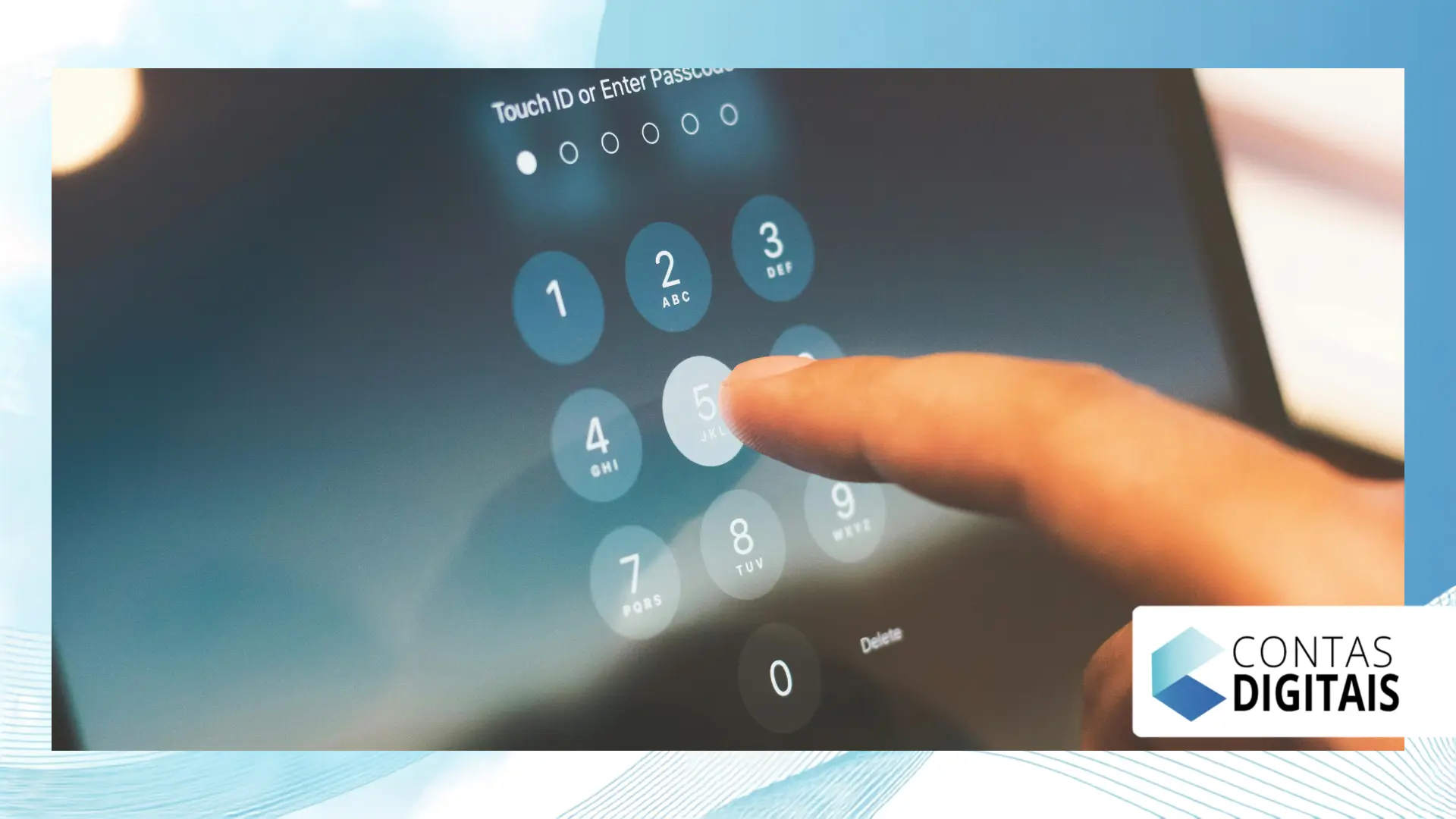
Step by step: tracking the dispute through the bank's app
Transparent tracking of the request avoids anxiety and allows for the rapid submission of additional data should the security team request further evidence of the fraud.
1. Access the support area or notification history.
Most digital accounts centralize the progress of the procedure in the "My Calls" tab, "Pix Disputes" or directly in the details of the transfer receipt.
++ Digital piggy bank: when is this feature really worth it?
2. Check the status of the precautionary analysis.
Once notified, the receiving financial institution proactively blocks any remaining funds in the offender's account to prevent withdrawals.
3. Monitor the reports from the destination institution.
Follow the daily updates in the app, as the two institutions involved exchange encrypted technical information to validate the legitimacy of the complaint submitted by the client.
++ eSIM: How this technology facilitates digital banking and accounts
4. Verify the resolution and credit of the refund.
If the analysis confirms the irregularity and there is sufficient balance retained in the receiving account, the refunded amount will be credited directly to your balance, with a final notification via the app.
Meaning of tracking statuses in the app
Understanding the technical meaning of the messages displayed on your mobile phone screen is essential to knowing exactly what approach to take when processing your request.
- In Preventive Analysis: Your report was received by the internal team and the request to trace the funds was sent to the recipient's bank.
- Precautionary Blocking Performed: The receiving institution managed to freeze the balance found in the suspect's account while it analyzes the formal complaint.
- Analysis Completed – Favorable: The fraud has been duly proven and the refund of the withheld balance has been authorized for your account.
- Request Denied: The evidence submitted was insufficient, or the case falls under a commercial dispute outside the scope of official regulations.
- Insufficient Balance for Refund: The fraud was confirmed, but the criminals had already withdrawn or transferred the funds before the accounts were provisionally frozen.
Rules and operational guidelines for returns
To clearly visualize the applicability of the return tool, analyze the explanatory table below comparing different everyday scenarios of financial transactions:
Read more: Home repair business: why the sector attracts women
| Transfer Scenario | Covered by MED? | Action Required in the App | Maximum Opening Period |
| Fake Call Center Scam / Social Engineering | Yes | Attach police report and chat logs from the interaction. | Up to 8 days after shipment |
| The user entered the wrong key. | No | Contact recipient via statement. | Not applicable via MED. |
| Error or duplication in the bank's system. | Yes | Open an operational error ticket. | Up to 8 days after the failure |
| Disagreement with seller regarding paid product. | No | Contact the consumer protection agency (Procon) or the store's support team. | Not applicable via MED. |
Official deadlines established by the Central Bank of Brazil
Time is the most decisive factor in successfully recovering money lost in fraud schemes or digital account hacks.
The victim has a deadline of up to 8 consecutive days, starting from the date the transfer was made, to formally register the dispute in the app.
After the request is entered into the system, the recipient institution has up to 7 days to thoroughly analyze the history of the account receiving the money.
If fraud is confirmed, a full or partial refund should be credited to your account within 96 hours of the completion of the technical analysis.
To consult the complete and up-to-date regulations on digital payment methods, access the official guidelines at [website address]. Central Bank transparency portal.
What should I do if the refund is denied or the balance is zero?
Unfortunately, in a significant number of scams, criminals immediately transfer the money to multiple bank accounts as soon as they receive the initial payment.
If your call ends with an insufficient funds message, the bank will formally notify you that the check did not find any available funds in the final account.
In this scenario, you can request the analysis history to support a claim for an investigation into alleged misuse of responsibility in the opening of shell companies' accounts.
Consult your consumer rights regarding banking services through the detailed guidelines at [link/website/etc.]. consumer protection platform Consumidor.gov.br.
If the refusal to reimburse persists due to security failures by the institutions, it is advisable to file a formal complaint with the Consumer Protection Agency (Procon) or initiate legal action in the Small Claims Court.
Essential tips to avoid new fraud in digital accounts.
Maintaining safe habits when using the app daily drastically reduces the likelihood of falling victim to structured scams that require emergency measures to be taken.
Never make transfers under pressure from urgent messages from alleged relatives without first confirming their identity through a traditional voice call.
Activate instant notifications in your bank's app to identify any unusual or unauthorized activity on your account the moment it happens.
Configure lower limits for nighttime transactions in the app's security menu, minimizing potential losses in situations of physical coercion or theft.
Be wary of absurdly advantageous promotional offers that require exclusive payments via random key or QR code with the names of unknown individuals.
Conclusion
Follow the challenge to MED from Pix Going directly through your bank's app is the fastest and most efficient way to seek recovery of funds.
The speed in gathering evidence and the immediate registration of the call make all the difference in ensuring that the precautionary freeze finds the funds in the destination account.
Pay attention to app notifications, meet deadlines, and keep your support channels updated to respond to technical requests.
Did you enjoy this practical guide? Share this information with your friends and family so everyone knows how to act safely in cases of fraud!
Frequently Asked Questions
How long does it take for the MED money to arrive in the account?
If the analysis confirms the fraud and there is a balance in the offender's account, the full refund will occur within 96 hours after the investigation is completed.
Can I trigger the MED (Medical Emergency Data) if I make a Pix (Brazilian instant payment system) payment to the wrong person?
No. The mechanism does not cover typos made by the user. In that case, you must request a refund directly from the person who received the funds.
What happens if the scammer's account has no funds?
The bank confirms the right to a refund, but the amount cannot be immediately reversed if the receiving account has been completely emptied by the offenders.
How many times can I request a dispute through the app?
You can open a request for each suspicious transaction individually, as long as the request is substantiated and within the 8-day time limit.
++ How to request, track, or cancel a Pix dispute (MED)?
++ Pix dispute: how MED works and how to recover your money.
