
Pix Key: How to check all keys linked to a CPF (Brazilian tax ID)?
When searching Check all keys linked to the CPF., By using this system, you gain control over financial data registered with banks and other institutions. Centralized management prevents fraud, data leaks, and improper transactions.
In this practical article, you will learn how to view, manage, and delete records linked to your document quickly and securely using the official tools of the Central Bank.
- What is the unified query in the Central Bank Registry.
- Detailed step-by-step instructions for generating the key report.
- How to identify unauthorized or unknown registrations using your CPF (Brazilian taxpayer ID).
- Procedures for removing or transferring records between institutions.
- Comparative table of key types and their security level.
- Answers to the most frequently asked questions on the topic.
What is Registrato and why check your Pix keys?
Registrato is a free system developed by the Central Bank of Brazil to consult financial relationships, debts, and registered keys. The tool gathers consolidated data from all banking institutions.
Knowing how Check all keys linked to the CPF. It protects against the misuse of your information by third parties. Fraudsters often register leaked data in dummy accounts.
Frequent checks prevent unpleasant surprises in daily life. Maintaining financial control directly involves periodically auditing your records in the national banking system.
Step-by-step guide to finding all your keys at the Central Bank.
Access the official Central Bank platform using your Gov.br account to validate your identity. Your account level must be silver or gold to guarantee full access.
- Access the Registrato page on the Central Bank's official platform.
- Log in using your CPF (Brazilian individual taxpayer registration number) and the password you registered on the Gov.br portal.
- Look for the “My Pix Keys” option in the available reports panel.
- Click on “Generate report” and accept the system's terms of use.
The generated file displays the exact registration date, the responsible financial institution, and the type of information used. The document presents the complete list in a few seconds.
++ Digital accounts: which institutions appear in Registrato?
You can download the list in PDF format to keep as proof. This report lists contacts by email, mobile phone number, random keys, and national document number.
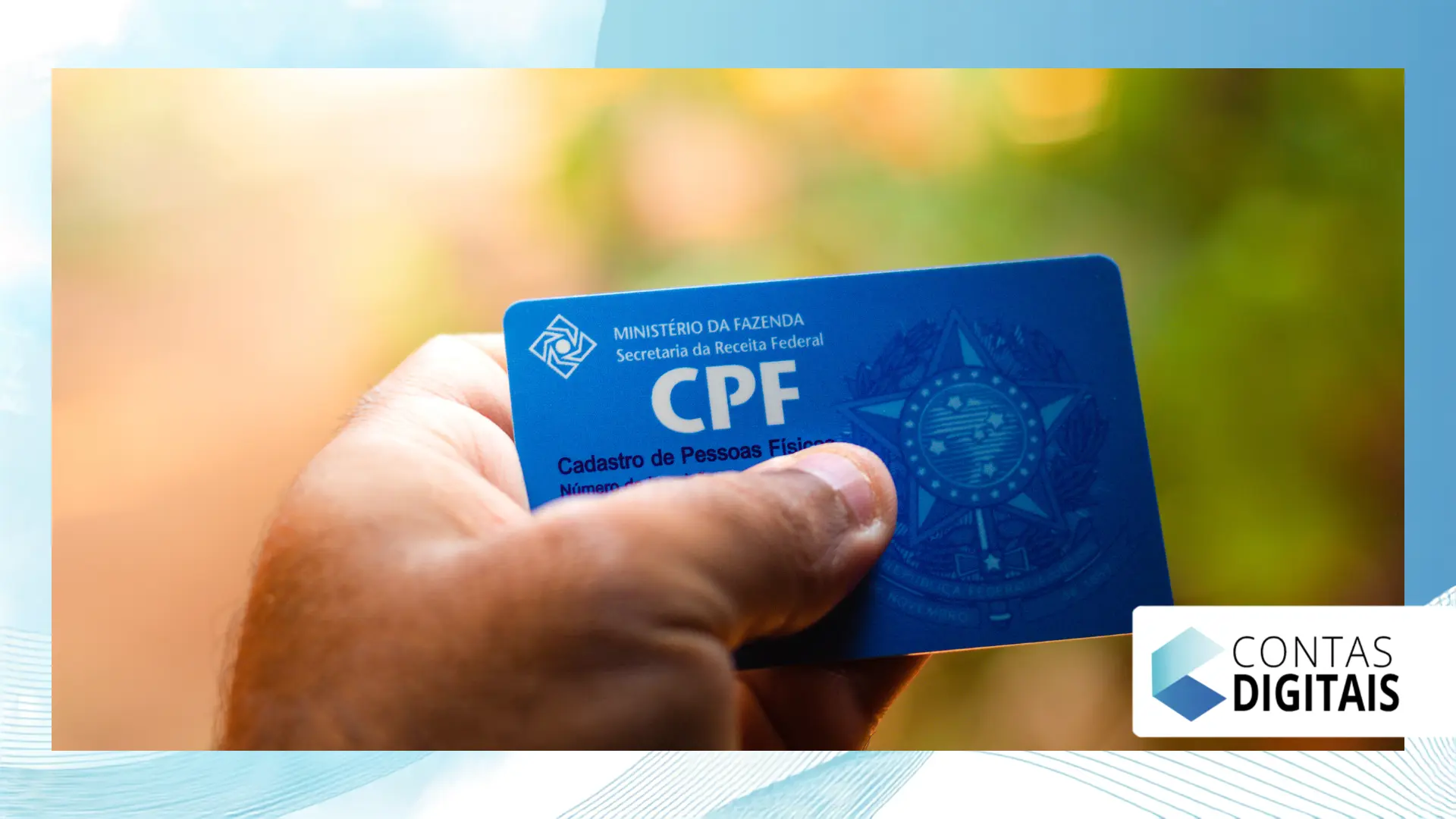
How to identify and resolve improper registrations on your CPF (Brazilian taxpayer ID number).
If you find any unknown key to Check all keys linked to the CPF., Act immediately. This signal indicates that a bank has opened an account without your express authorization.
Contact the institution listed in the Registrato report directly. Request the immediate cancellation of the keying and the closure of the unknown bank account linked to your registration.
If the bank does not resolve your problem quickly, file a formal complaint on the portal. Central Bank of Brazil. The regulatory body notifies the company, requiring a mandatory response.
Limits and types of keys registered per individual.
Individuals can register up to five keys per individual bank account. The overall limit does not prevent the use of the CPF (Brazilian taxpayer ID) in different types of registrations permitted by current regulations.
A random key is ideal for one-off transactions with strangers online. A phone number and email address facilitate recurring transfers between friends, family, or frequent customers.
Read more: Temporary virtual card in digital accounts: how to use it more securely
The table below details the essential characteristics, recommended limits, and data exposure level for each type of registration available in the Brazilian instant payments ecosystem:
| Key Type | Limit per Account (Individual) | Exposure of Personal Data | Most Recommended Use |
| CPF/CNPJ | 1 per account | High (displays document) | Business transactions and receiving wages |
| Multiples (up to 5) | Average (displays the address) | Informal collections and corporate contacts | |
| Telephone | Multiples (up to 5) | Average (displays the number) | Transfers between friends and relatives |
| Random (EVP) | Multiples (up to 5) | Null (generated code) | Online sales and payments to strangers |
How to transfer or delete an existing key
The removal or transfer of records cannot be performed directly through the Registrato interface. The Central Bank's system acts exclusively as a unified query panel.
To delete, open the financial institution's app where the account is active. Access the management section, select the desired option, and confirm the deletion with your password.
To switch banks, start the portability request at your desired new institution. Your old institution will send you a notification in the app to confirm the data transfer.
++ Enade 2026: what happens after the September exam this year?
The portability confirmation must be made within seven business days. If you do not confirm it in the old application, the transfer request will be automatically canceled by the system.

Security tips to protect your financial data.
Avoid registering your CPF (Brazilian tax identification number) on unreliable websites or commercial establishments unnecessarily. Using a random key protects your privacy during everyday purchases and transactions.
Enable two-step verification on all your banking apps and emails. This extra layer of protection prevents intruders from making unauthorized changes to your profile.
Consult the Registrato report at least once every three months. This simple routine helps to... Check all keys linked to the CPF. and to identify inconsistencies quickly.
Never share codes received via SMS or security keys with third parties over the phone. Banks do not call requesting passwords, validation codes, or immediate account transfers.
For further guidance on data protection and privacy in the digital environment, please visit [link/resource]. National Data Protection Authority. The portal offers up-to-date educational guides on security.
Conclusion
Maintaining control over your banking information is crucial in today's financial ecosystem.
Regularly checking Registrato ensures that only authorized information remains active in your name.
The unified consultation offers complete transparency, allowing for the rapid identification of fraud and immediate action.
The process takes only a few minutes and uses your Gov.br account securely.
Adopt periodic checks as a preventative habit in your personal finance routine. Share this guide with friends and family so everyone can easily protect their data.
Frequently Asked Questions
How many Pix keys can an individual have in total?
Individuals can have up to 5 keys per bank account. There is no overall maximum limit, as long as the limit of 5 registrations per financial institution is respected.
Is it possible to delete a key directly through the Registrato system?
No. Registrato is a tool exclusively for consultation and report generation. Deletion or modification must be done directly in the bank's application where the registration is active.
How long does it take for a new key to appear in the report?
The Central Bank's system updates the information periodically. In general, new registrations or deletions appear in the report within 24 hours after the institution consolidates the data.
What should I do if I find a key registered in a bank that I don't use?
Contact the bank's support immediately and request cancellation. If you don't get a quick solution, file a formal complaint on the Central Bank's website.
++ Users can now access detailed reports on Pix keys and check which ones are linked.
++ Looking up someone else's Pix key: is it possible? Understand the limits.
