
Digital account: what happens when the bank changes systems?
To understand when the bank changes systems This is essential for any digital account customer who wants to keep their money safe and avoid unexpected operational problems in their daily life.
The transition between processing platforms and financial technology architectures is a profound strategic move, capable of impacting payments, Pix transfers, and the usability of applications.
Article Summary
- What happens behind the scenes at fintech and banks: The logic of core banking.
- Practical impacts on the customer's daily life: Pix keys, cards and statements.
- Why do banks perform system migration? Long-term benefits.
- Security and myths about switching systems: How to protect your data.
- Comparative table: Old system versus new banking infrastructure.
- Step-by-step prevention guide: What to do before, during, and after the transition.
- Frequently Asked Questions (FAQ): Direct questions about bank migrations.
What does it mean when a bank changes its system?
Switching systems in a digital bank represents the complete or partial replacement of its central processing infrastructure, known technically in the financial sector as... core banking.
This core technology manages all deposit accounts, real-time payment settlements, interest calculations, and the historical record of daily transactions for millions of simultaneous customers.
Migrating a legacy system to a modern cloud platform allows for processing massive volumes of data with lower latency, offering high availability and scalability for the application.
How does this transition impact your digital account on a daily basis?
During the migration period, digital services may experience scheduled temporary outages, unavailability of updated balances in the app, or delays in processing Pix and bank slips.
This is because the old databases need to be perfectly synchronized with the new architecture without losing any financial records, requiring periods of preventive maintenance during the early morning hours.
The registered Pix keys, the history of receipts, and the configured operational limits are transferred automatically, but require system validation to guarantee complete legal and operational integrity.
++ Pix Key: How to check all keys linked to a CPF (Brazilian tax ID)?
Why do financial institutions decide to change technology?
Digital banks are making infrastructure upgrades to meet increasing regulatory requirements and raise institutional standards for cybersecurity against fraud and digital intrusions.
Modern systems drastically reduce the institution's operating costs and enable the rapid launch of new financial products, such as automated investments, personalized credit, and fast international payments.
Replacing legacy platforms improves overall account stability by reducing sudden app crashes on high-traffic days, such as payday in the economy.
To understand the regulatory requirements governing national financial institutions, please consult the updated official guidelines at [link/website address]. Central Bank of Brazil's regulatory portal.
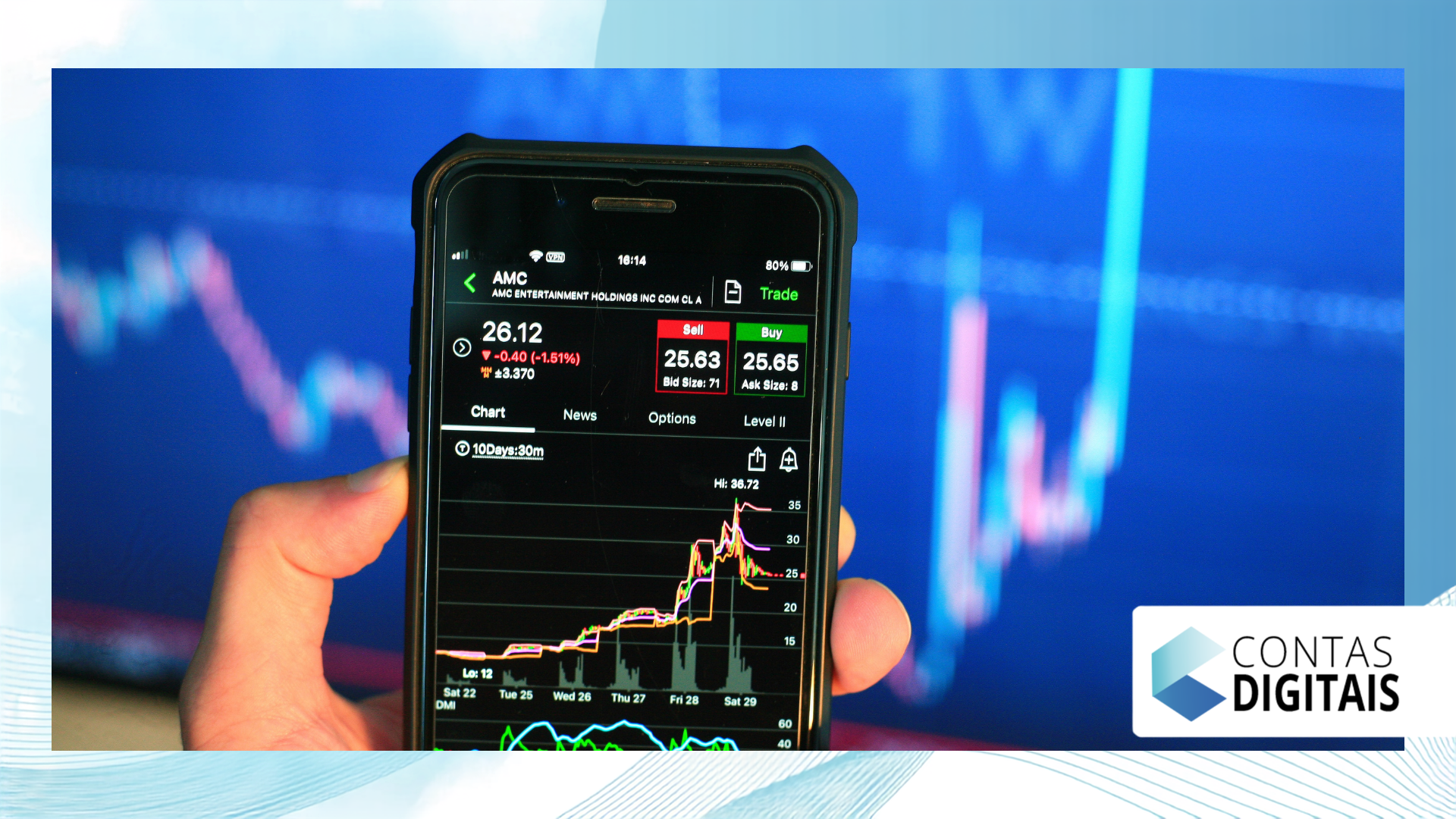
Comparison: Legacy Infrastructure vs. New Core Banking Architecture
The table below details the technical and practical transformations experienced by financial institutions and their account holders during the modernization of their central banking processing systems.
| Operational Aspect | Legacy Infrastructure | New Cloud Architecture |
| Pix speed | Instant synchronization, even with any queues. | High-speed instant settlement |
| App Stability | Frequent fluctuations on peak days | Continuous and uninterrupted high availability |
| Data Security | Traditional and rigid protection modules | End-to-end encryption and artificial intelligence |
| Resource Launch | Slow and complex developments | Modular updates and rapid implementation |
The security of your money and data during migration.
It is completely understandable to feel apprehensive when a financial service becomes unavailable; however, balances held in digital accounts remain fully protected by institutional guarantees and current regulatory standards.
Data migration follows rigorous encryption and continuous auditing protocols, preventing data loss or improper alteration of accounting records during the technical transfer process.
Read more: Digital accounts: which institutions appear in Registrato?
Attempts at fraud increase considerably during these periods; therefore, remember that the bank will never request passwords, SMS codes, or test transfers to complete the account update.
What is the difference between an application update and a system migration?
The app update exclusively changes the graphical interface and visual features on the user's mobile phone, improving menu navigation without modifying the internal database.
On the other hand, the migration of core banking It reorganizes the entire operational support structure on the server, redefining payment routes, databases, connections, and banking communication protocols.
++ Spoofing: How to identify a call from a fake number?
While app updates can be completed in seconds by the user themselves in the app store, system-wide changes require months of technical planning and rigorous approval by the teams.
Practical guide: What to do when your bank changes systems.
To avoid financial setbacks during scheduled maintenance or replacement of bank servers, follow the set of practical guidelines listed in detail in the steps below.
Schedule important payments in advance: Avoid leaving the payment of critical bills or transfers until the exact dates indicated by the bank as a preventive maintenance window.
Keep recent receipts and bank statements: Download an updated PDF statement before the migration begins to have a physical record of your balance and recent financial history.
Keep the app properly updated: Access your smartphone's official app store to ensure the latest version of the platform is installed correctly.
Use a reserve account for emergencies: Have a second payment method or bank account available to cover unforeseen expenses during any temporary signal interruptions.
Follow the institution's official channels: Check legitimate emails and notifications within the app itself to understand the exact times when services will be unavailable.

The ultimate impact of technological innovation on your wallet.
Going through a period when your chosen institution experiences fluctuations because your bank is changing systems can cause temporary operational inconveniences in your daily financial management.
However, this structural update represents an indispensable step forward in ensuring faster processing speeds, application stability, advanced cybersecurity, and continuous product innovation for account holders.
By adopting simple precautionary measures and staying well-informed through official institutional channels, you can navigate this period of technological transition with complete security, peace of mind, and control over your financial assets.
To deepen your knowledge of banking consumer rights and information security, consult the consumer protection guide on the services portal of [website/platform name]. Federal Government of Brazil.
Frequently Asked Questions
1. What should I do if my balance disappears during a system switch?
Don't panic, as a zero balance during system maintenance is usually just a temporary visual unavailability in the application interface while the databases are being synchronized.
If the balance does not reappear after the official deadline given by the institution, contact the bank's support team and provide your previous statement for the necessary correction.
2. Do my Pix keys need to be registered again after the change?
In the vast majority of cases, the migration of Pix keys occurs completely automatically between systems, without the need for manual re-registration or deletion by the digital account holder.
It is recommended to perform a small Pix transfer test after the scheduled maintenance is complete to confirm that your account's payment routing is working perfectly.
3. Is my debit or credit card still working normally?
Physical cards usually continue to operate normally for in-person purchases at card machines, as they use card processing networks that are independent of the digital bank's central system.
However, online purchases that require approval via in-app generated code or temporary tokens may experience temporary instability during peak infrastructure updates.
4. How long does the migration of the banking system usually take?
The operational window for direct interruptions is usually scheduled for early mornings or weekends, lasting only a few hours to minimize the impact on customers' payment routines.
However, the complete process of fine-tuning, gradual migration of customer bases, and stabilization of all technical modules can take days or a few weeks to be fully finalized.
++ How fintechs have changed the financial system in Brazil.
++ Revocation of the Banking Connection: what happens?
