
Banking facial biometrics: when it can fail to grant access
To fully understand how the banking facial biometrics Protecting your money requires understanding all the technical vulnerabilities of your smartphone during daily use.
This technology has revolutionized digital financial security in recent years, replacing complex passwords with a simple facial scan in front of a camera.
However, the system unexpectedly denies access in several common situations, causing immediate frustration and temporary account blocks for legitimate users.
In this comprehensive guide, you'll discover exactly why these annoying glitches are happening and learn best practices for quickly resolving the problem.
To make your reading and navigation easier, we have prepared an executive summary highlighting the main topics we will cover throughout this specialized technical content:
- How facial recognition works in application systems.
- Main causes of serious failures in facial scanning.
- Table with common access errors and immediate solutions.
- Step-by-step guide to quickly recovering blocked access.
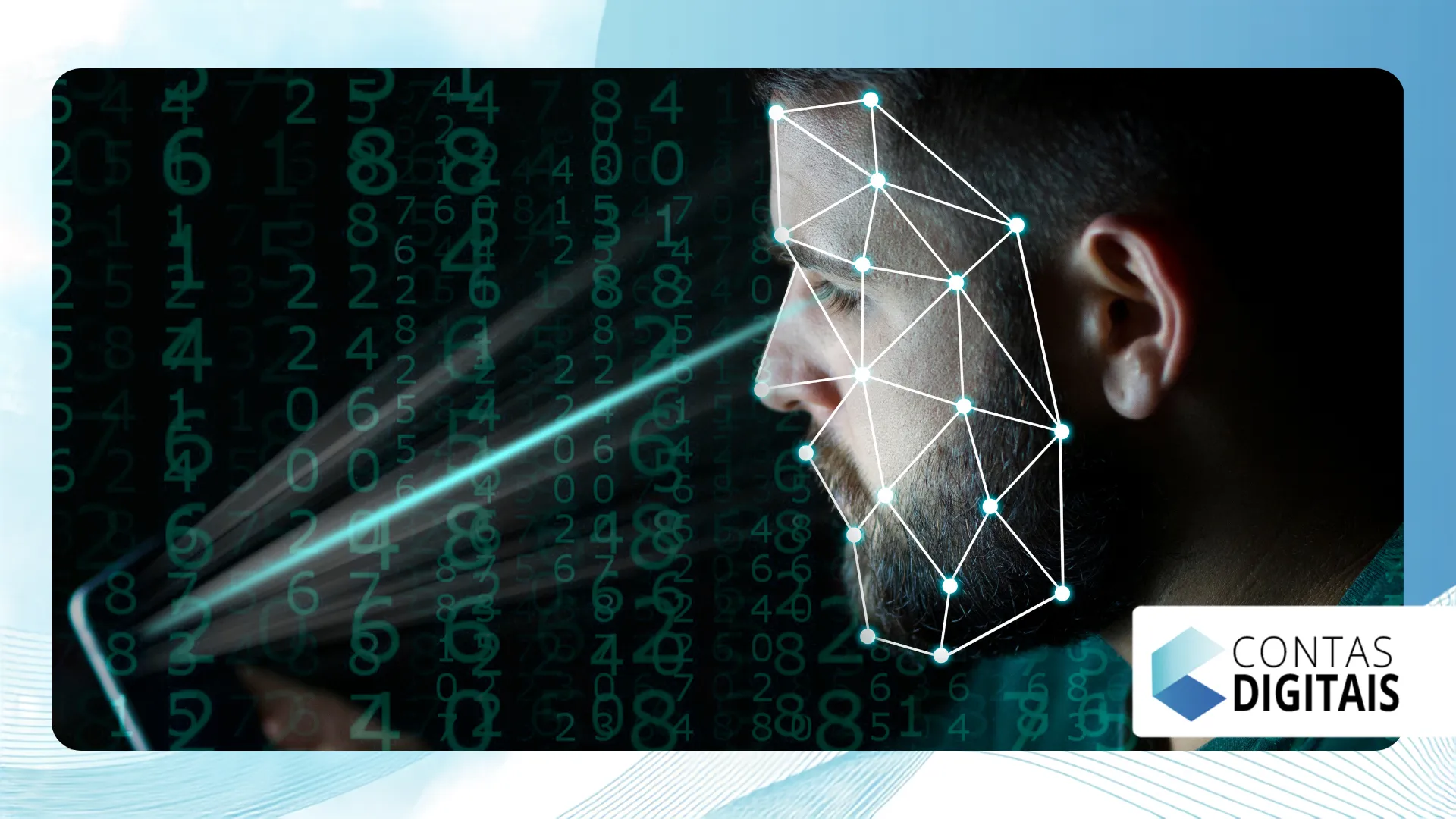
How facial recognition technology works today.
Modern systems map dozens of nodal points on your face, creating a unique mathematical signature that is securely stored on servers.
Banks' artificial intelligence analyzes depth, the distance between the eyes, and the shape of the chin to validate the customer's identity.
Financial institutions use proof of life to ensure that a real person is holding the device, preventing fraud with static photos.
You can check the technical safety standards directly at Central Bank of Brazil's data protection guide, which regulates these validations.
Why the banking facial biometrics failure?
Even with super-advanced algorithms in 2026, your cell phone camera still depends on ideal external factors to capture the perfect image.
Often, the banking facial biometrics It cannot find any logical match between the photo captured now and the original stored image.
The rate of false rejections occurs when the security system errs on the side of excessive caution, blocking the true holder of the bank account.
++ What types of current technologies are shaping the market?
This algorithmic rigidity prevents cyberattacks, but it harms the customer experience for those who need to make a Pix transfer with maximum urgency.
Inadequate lighting and reflections on the lens
The main enemy of banking facial biometrics It is the lack of adequate ambient light at the moment the user captures the image.
Standing against the sun creates deep shadows on your face, hiding essential details that the algorithm needs to identify in order to approve your account.
Read more: How to Get a Data Scientist Job at a Tech Company
Reflections on the screen or camera lens of the device also confuse the infrared reader, completely invalidating the three-dimensional mapping of your face.
Physical changes and use of accessories
The use of dark sunglasses, large hats, or masks hides critical nodal points, preventing accurate recognition of your identity.
Drastic changes in personal appearance, such as gaining a lot of weight or growing a beard significantly, force the app to become suspicious of your face.
++ Why do two people with similar incomes receive different credit offers?
Heavy makeup that alters the natural facial contours also causes mathematical discrepancies in the system, resulting in an error message on the home screen.
Comparative table of common errors and solutions.
We analyzed the error codes most frequently reported by users of financial applications and compiled the best approaches to quickly resolve each obstacle.
| Problem Found | Main Cause | Recommended Corrective Action |
| Face not detected | Low light levels in the area | Turn on the lights or go outside. |
| Invalid capture | Dirty camera lens | Clean the camera with a microfiber cloth. |
| Lack of liveliness | No movement detected. | Blinking or smiling slightly at the camera |
| Data discrepancy | Accessories blocking the face | Remove sunglasses, hats, or face masks. |
What to do when access is blocked?
Receiving a preventive blocking notice scares any customer, but staying calm and following the bank's protocol resolves the situation quickly.
The first step requires closing the app completely, cleaning the front lens of your phone, and finding a place with plenty of natural light.
If the banking facial biometrics If you persist in making the mistake, avoid trying dozens of times in a row, as the system may lock your account for security reasons.
Wait at least ten minutes before trying again, making sure your face is at eye level and without exaggerated expressions.
Clearing the app cache in your smartphone settings eliminates temporary bugs that impair the camera's performance in the digital environment.
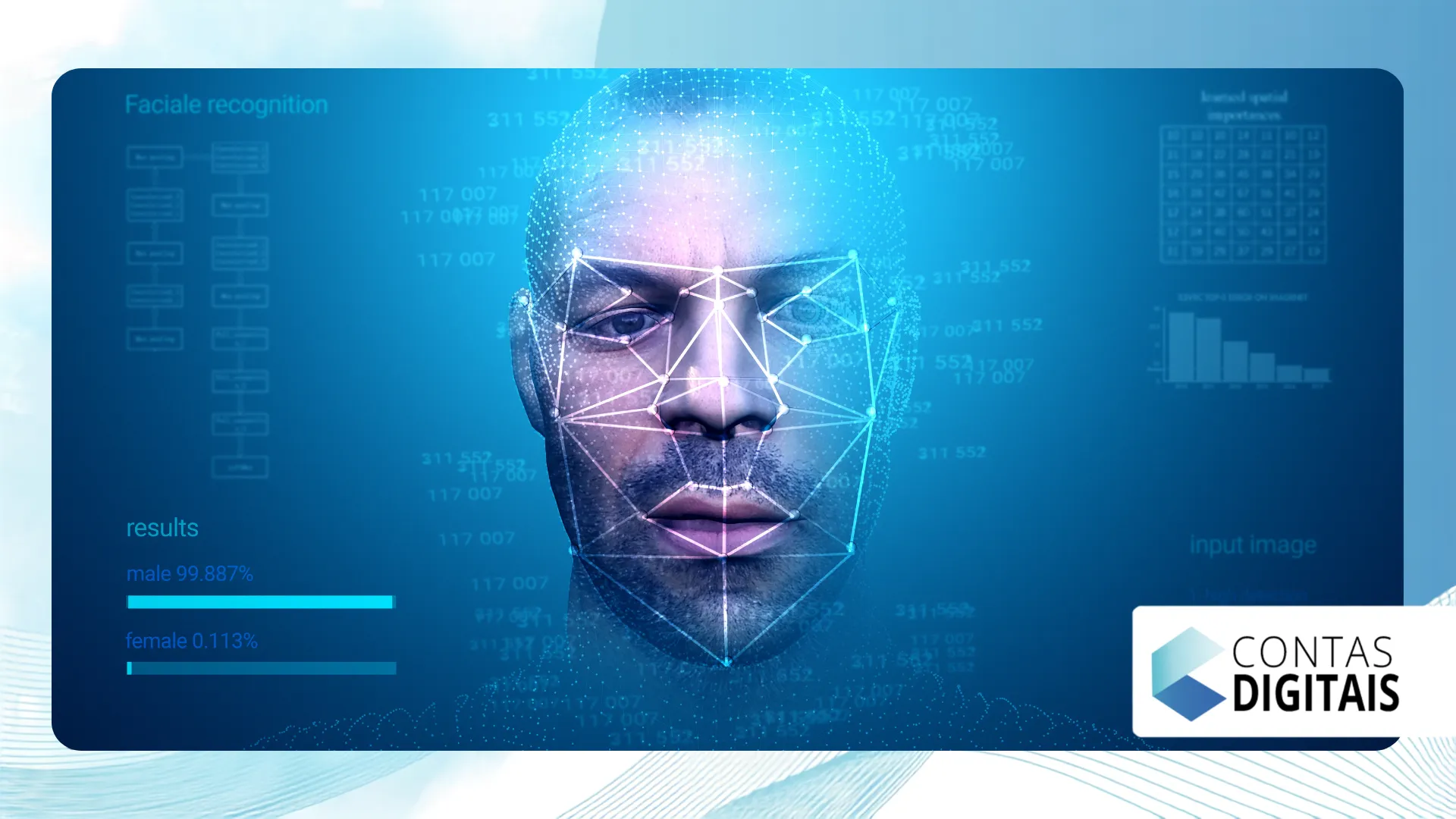
Security alternatives and technical support
When facial recognition fails repeatedly, most applications offer secondary authentication methods to avoid leaving the customer without access.
You can use the token sent via SMS, answer security questions, or enter your electronic password of letters and numbers.
If all online options fail miserably, calling the bank's customer service line or visiting a physical branch becomes absolutely necessary.
Current financial technology
THE banking facial biometrics It remains the most effective method against modern fraud, despite requiring certain perfect environmental conditions to operate correctly.
Understanding the practical limitations of the system allows you to adjust the light and positioning of the device, avoiding completely unnecessary headaches.
Adapt to the demands of these complex algorithms, thus ensuring a smooth experience and keeping your financial assets protected against any criminal intrusion.
Frequently Asked Questions
Can I use a photo to fool the bank?
No. Current systems require liveness tests, forcing the user to blink or turn their face away to prevent attacks with printed images.
Does the bank store a photo of my face?
Institutions do not store the exact image, but rather an encrypted representation composed of numbers that adheres to... General Data Protection Law (LGPD).
I changed my phone, do I need to re-register my facial recognition?
Yes. Most companies require a new security re-registration when they identify account access through an unknown mobile device.
Failures in banking facial biometrics Do they result in account cancellation?
Reading errors only cause the application to be temporarily blocked for security reasons, requiring a password reset, but never permanently cancel the account.
++ “"We were unable to validate your facial biometrics": find out what to do.
++ A recurring error in facial recognition prevents access to bank accounts.
